Back to Templates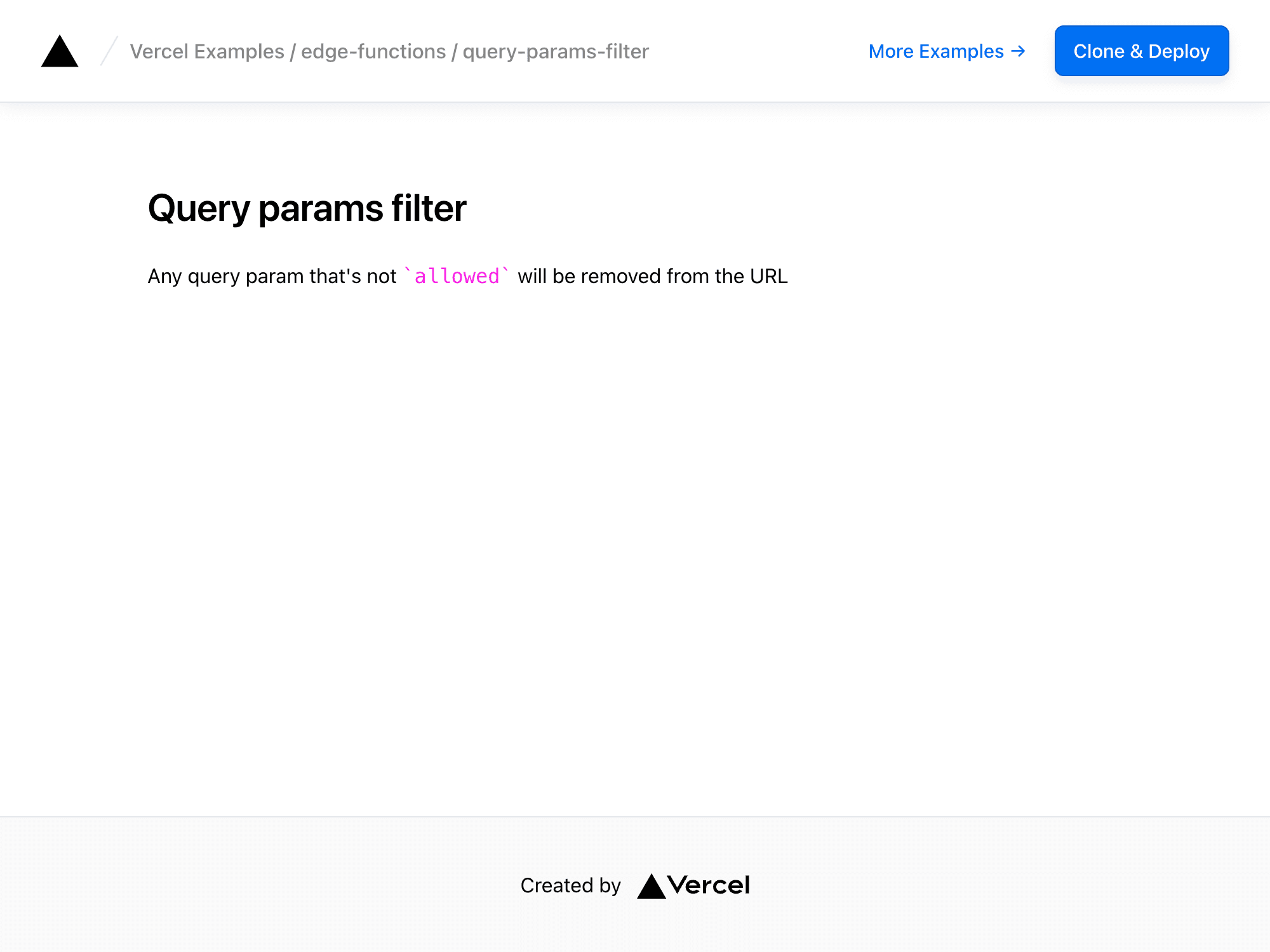
Filtering Query Parameters
The example shows how to filter query parameters from the URL using Edge Middleware.
To see how it works, check the middleware function in middleware.ts:
import { NextRequest, NextResponse } from 'next/server'
const allowedParams = ['allowed']
export const config = { matcher: '/',}
export default function middleware(req: NextRequest) { const url = req.nextUrl let changed = false
url.searchParams.forEach((_, key) => { if (!allowedParams.includes(key)) { url.searchParams.delete(key) changed = true } })
// Avoid infinite loop by only redirecting if the query // params were changed if (changed) { return NextResponse.redirect(url) // It's also useful to do a rewrite instead of a redirect // return NextResponse.rewrite(url) }}Demo
https://edge-functions-query-params-filter.vercel.app
How to Use
You can choose from one of the following two methods to use this repository:
One-Click Deploy
Deploy the example using Vercel:
Clone and Deploy
Execute create-next-app with pnpm to bootstrap the example:
pnpm create next-app --example https://github.com/vercel/examples/tree/main/edge-middleware/query-params-filter query-params-filterNext, run Next.js in development mode:
pnpm devBefore URL: http://localhost:3000?a=b&allowed=test
After URL: http://localhost:3000?allowed=test
Deploy it to the cloud with Vercel (Documentation).