Back to Templates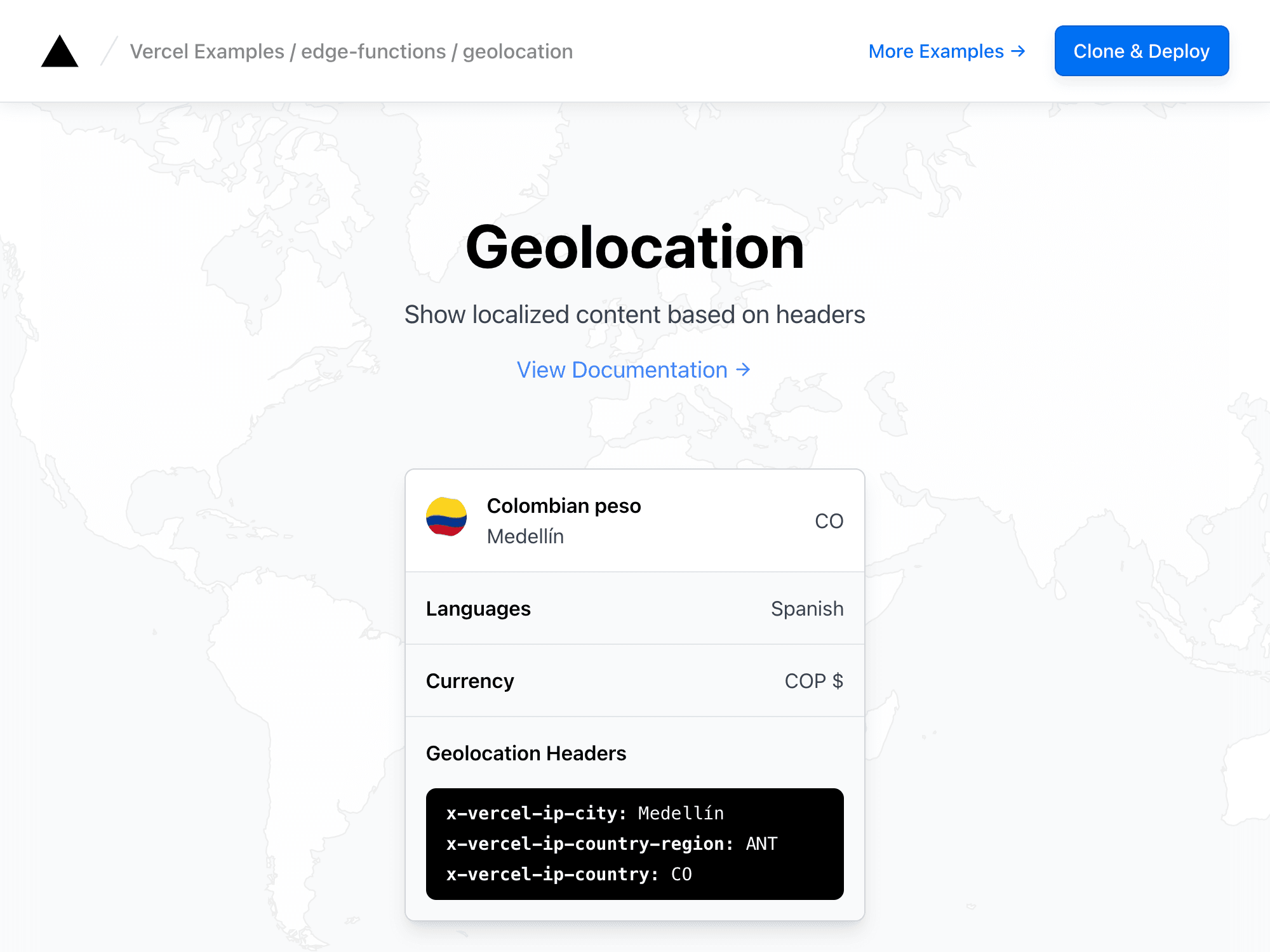
Geolocation
This example shows how to use the event.request object to determine a user's location.
import { geolocation } from '@vercel/functions'
const geo = geolocation(req)
console.log(geo)
{ /** The city that the request originated from. */ city?: string; /** The country that the request originated from. */ country?: string; /** The flag emoji for the country the request originated from. */ flag?: string; /** The Vercel Edge Network region that received the request. */ region?: string; /** The region part of the ISO 3166-2 code of the client IP. */ countryRegion?: string; /** The latitude of the client. */ latitude?: string; /** The longitude of the client. */ longitude?: string;}Demo
https://edge-functions-geolocation.vercel.sh
How to Use
You can choose from one of the following two methods to use this repository:
One-Click Deploy
Deploy the example using Vercel:
Clone and Deploy
Execute create-next-app with pnpm to bootstrap the example:
pnpm create next-app --example https://github.com/vercel/examples/tree/main/edge-middleware/geolocation geolocationNext, run Next.js in development mode:
pnpm devDeploy it to the cloud with Vercel (Documentation).